
Many Android users accidentally turn on captions and then feel confused when text keeps appearing on their screen. If you are searching for how to turn off live caption on Android, this complete guide will help you step by step in very simple English.
You will learn how to disable captions on your phone, browser, and apps like YouTube and Twitter. We will also cover quick shortcuts, common problems, and easy fixes. By the end, you will clearly understand how to turn off live caption android without any confusion.
What Is Live Caption on Android?
Live Caption is a smart feature developed by Google. It automatically converts speech into text and shows captions on your screen in real time.
This feature works for:
- Videos
- Voice messages
- Podcasts
- Audio files
It is mainly designed for accessibility, especially for people who have hearing difficulties. However, many users do not need it all the time and prefer to turn off live captions android.
Why You May Want to Turn Off Live Caption
There are many reasons why users search for how to turn off live caption:
- Captions cover important parts of the screen
- It turns on automatically without permission
- It can be distracting during videos
- It may slightly affect battery performance
- Sometimes captions are not accurate
Because of these issues, users often want a quick way to turn off captions android.
How to Turn Off Live Caption on Android
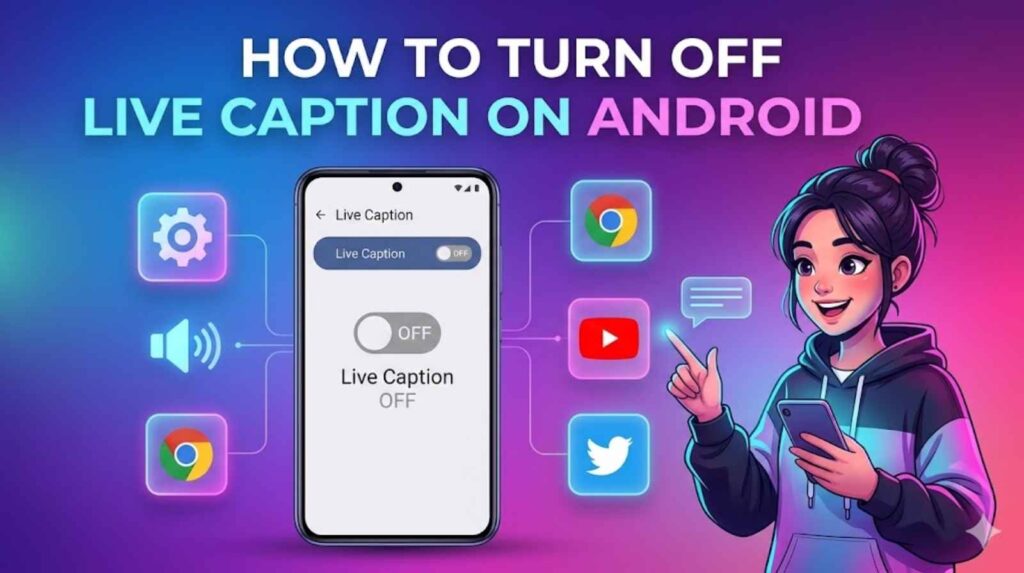
This is the main and most effective method for how to turn off live caption on android.
Step-by-Step Guide
- Open Settings on your Android phone
- Scroll down and tap Accessibility
- Find Hearing Enhancements or Live Caption
- Tap on it
- Turn OFF the toggle
After this, captions will stop appearing on your device.
This method works on most Android devices like Samsung, Xiaomi, Oppo, and others.
Quick Method to Turn Off Live Caption Android
If you want a faster method, you can use the volume shortcut.
Steps:
- Press the Volume button
- Tap the Live Caption icon
- Turn it OFF
This is the quickest way to turn off live caption android without opening settings.
Turn Off Live Caption Google Pixel
If you are using a Google Pixel device, the process is even easier.
Steps:
- Press the Volume button
- Tap the caption icon
- Disable Live Caption
Pixel phones are optimized by Google, so this feature works smoothly and can be turned off instantly.
This method is best for turn off live caption google pixel.
How to Turn Off Live Caption on Chrome
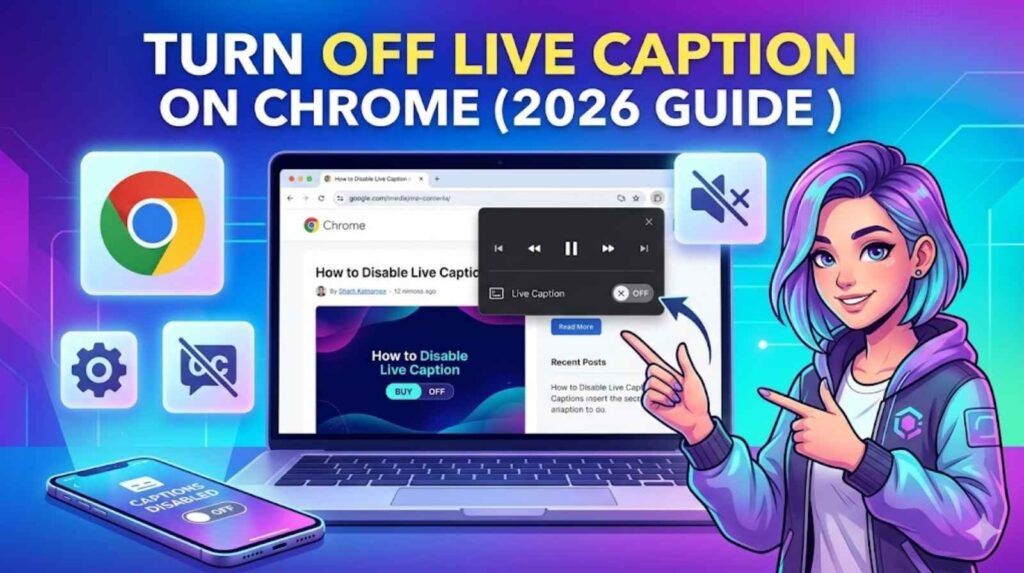
Sometimes captions appear while watching videos in your browser. If that happens, you need to turn off live caption on chrome.
Steps:
- Open Google Chrome
- Click on the three-dot menu
- Go to Settings
- Open Accessibility
- Turn OFF Live Caption
Now Chrome will stop showing captions automatically.
This solves:
- how to turn off live caption on chrome
- turn off live caption issues in browser
How to Turn Off Live Caption on YouTube
Captions often appear automatically on YouTube.
On Mobile:
- Open a video
- Tap the screen
- Tap CC (Captions)
- Turn it OFF
On Desktop:
- Play a video
- Click the CC button
- Disable captions
This method works for:
- how to turn off live caption on youtube
- youtube turn off live caption
- how to turn off live captions on youtube
How to Turn Off Captions on Twitter
If captions appear on Twitter (X), you can disable them easily.
Steps:
- Open the video
- Tap the CC icon
- Turn captions OFF
This solves how to turn off captions on twitter.
Common Problems and Easy Fixes
Sometimes users turn off captions, but they still appear. Here are simple solutions:
1. Check Accessibility Settings
Make sure Live Caption is fully disabled.
2. Restart Your Phone
A quick restart can fix temporary bugs.
3. Check App Settings
Apps like YouTube or Chrome may have their own caption settings.
4. Update Your Device
Outdated software can cause issues.
Tips to Manage Captions Better
If you don’t want to fully disable captions, you can control them:
- Change caption size
- Adjust text style
- Enable only when needed
- Use shortcuts for quick control
These tips help you manage captions easily.
Final Thoughts
Now you clearly understand how to turn off live caption on android, as well as how to manage it on Chrome, YouTube, and Twitter. The easiest method is through settings or the volume shortcut.
If captions keep turning on, make sure all related settings are disabled properly. Once done, you can enjoy videos without any distraction.
FAQs
1. How to turn off live caption on Android?
Go to Settings → Accessibility → Live Caption and turn it off. This is the easiest way to turn off live caption android.
2. Why does live caption keep turning on?
It may be enabled through accessibility settings or volume shortcut. Disable both to fix it.
3. How to turn off live caption on chrome?
Open Chrome settings → Accessibility → Turn off Live Caption.
4. How to turn off live caption on YouTube?
Tap the CC button on the video and disable captions.
5. How to turn off captions on Twitter?
Open the video, tap CC, and turn captions off.
6. Does turning off live caption save battery?
Yes, it can slightly improve battery performance.