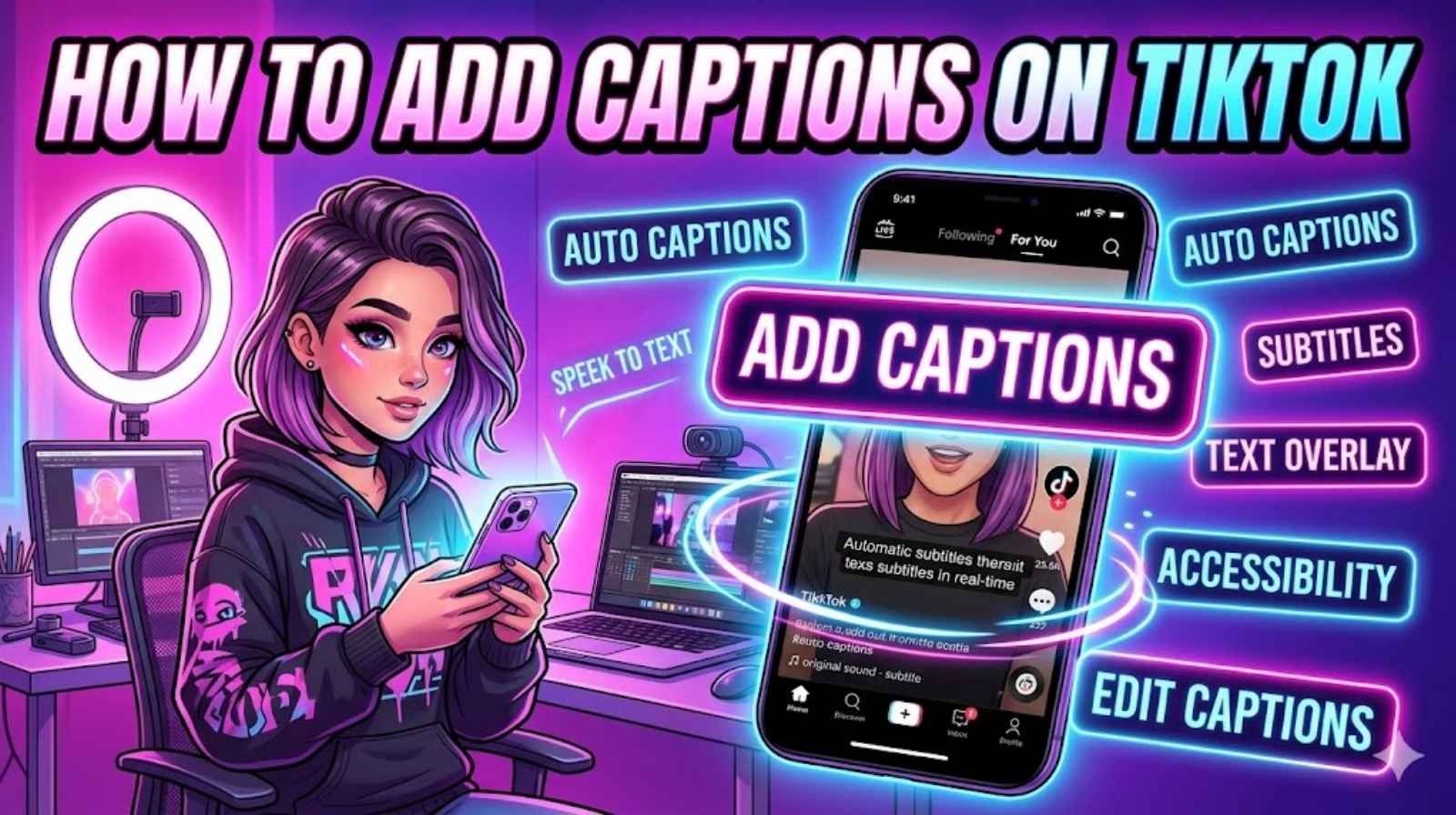
TikTok videos move fast. People scroll in seconds and many users watch videos without sound. That is why learning how to add captions on TikTok has become so important. Captions help viewers understand your content quickly. They also make your videos more engaging and easier to follow.
Many creators now use the TikTok captions feature to improve watch time and reach more people. Whether you use automatic captions TikTok tools or prefer to add subtitles to TikTok video clips manually, captions can make a huge difference. They help viewers stay longer and understand every word clearly.
If you want to learn how to add captions on TikTok, this guide covers everything in simple steps. You will learn how to use TikTok auto captions, create manual subtitles, fix common problems, and improve your content with better TikTok text captions. By the end, you will know the best way to make your TikTok videos easier to watch and more professional.
Why Learning How to Add Captions on TikTok Matters for Engagement
TikTok has changed how people consume video content. Millions of users scroll through videos in public places every day. Some watch during work breaks. Others watch while travelling or sitting in quiet spaces. In many situations, viewers keep their phones on silent mode. That simple habit makes captions incredibly valuable.
When you learn how to add captions on TikTok, you improve the viewing experience instantly. Videos with captions often keep viewers watching longer because the audience can follow every spoken word. A creator may speak clearly, yet background noise or music can still make dialogue difficult to hear. Captions solve that problem quickly.
Research from several social media studies shows that captioned videos can increase watch retention significantly. This matters because TikTok rewards videos with stronger engagement. If people watch longer, interact more, and replay content, the platform may push the video to more users.
Another major benefit involves accessibility. Closed captions on TikTok help people with hearing difficulties enjoy content without barriers. Many creators now focus on TikTok content accessibility because inclusive content reaches a wider audience.
Here is a simple comparison showing how captions improve performance:
| Feature | Without Captions | With Captions |
| Viewer Retention | Lower | Higher |
| Accessibility | Limited | Improved |
| Watch Time | Shorter | Longer |
| Engagement | Moderate | Stronger |
| User Experience | Average | Better |
“Captions are no longer optional on short-form videos. They are part of good content strategy.”
Creators who consistently caption TikTok videos often notice stronger engagement over time. Captions also support keyword recognition because TikTok can better understand video topics through speech and text.
Understanding the TikTok Captions Feature
The TikTok captions feature gives creators an easy way to add subtitles directly inside the app. TikTok introduced this feature to improve accessibility and help viewers understand spoken content more easily.
The platform mainly offers two captioning options. The first option uses TikTok auto captions powered by speech recognition technology. The second option allows creators to create text manually using the text overlay tools.
When you use TikTok speech to text, the app listens to spoken audio and automatically converts it into captions. This process saves time and works surprisingly well in quiet recordings. However, automatic systems are not always perfect. Strong accents, background sounds, and fast speech can confuse the software.
That is why many creators still use manual captions TikTok tools for better accuracy. Manual captions give you full control over spelling, timing, placement, and style.
You can also find several useful options inside TikTok accessibility settings. These settings allow users to manage subtitle visibility and customise viewing preferences.
Here is a quick overview:
| Caption Type | Best For | Accuracy |
| Automatic captions TikTok | Fast editing | Medium to High |
| Manual captions TikTok | Precise control | Very High |
| Third-party subtitle tools | Professional editing | Excellent |
Understanding these tools makes it easier to learn how to use auto captions on TikTok effectively.
How to Add Captions on TikTok Using the Built-In Tool
Learning how to add captions on TikTok using the built-in tool is easier than many people think. TikTok designed the process for beginners, so you do not need advanced editing skills.
First, open TikTok and record your video normally. After recording, tap the checkmark to move into the editing screen. On the right side, you will see several editing tools. One of them is the captions option.
Tap the captions button to activate TikTok auto captions. TikTok will process the audio automatically and generate subtitles using TikTok speech to text technology. This usually takes a few seconds.
Once the captions appear, review every line carefully. Automatic systems can make mistakes. You may notice incorrect words, missing punctuation, or timing issues. Tap the text to edit captions on TikTok and correct errors manually.
Creators often rush this step. That is a mistake. Accurate subtitles improve professionalism and viewer trust.
After reviewing everything, save the captions and continue editing your video. Add music, effects, or stickers if needed. Finally, publish the video with captions enabled.
This method works well for creators searching for:
- how to turn on captions on TikTok
- how to enable auto captions on TikTok
- how to create captions for TikTok videos
- TikTok captions step by step
How to Add Captions on TikTok Manually Step by Step
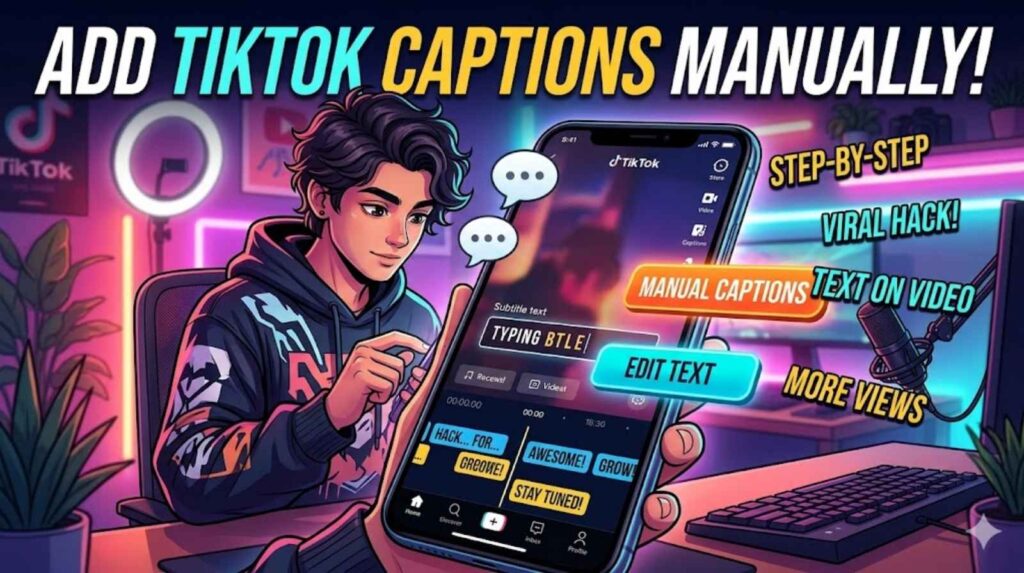
Sometimes automatic captions are not enough. Background sounds, slang, or unclear speech may reduce accuracy. In these cases, manual subtitles work much better.
Learning how to manually add captions on TikTok gives you more creative control. You can adjust timing precisely and style captions to match your brand identity.
Start by recording or uploading your video. Next, tap the text tool inside TikTok’s editor. Type your caption manually and place it where viewers can read it comfortably.
This process uses the TikTok text overlay system. You can adjust font styles, colours, animations, and text placement. Many creators use large white text with a dark shadow because it stays readable on most screens.
After adding text, adjust timing carefully. TikTok allows you to decide exactly when each caption appears. This is important when you subtitle TikTok clips with fast dialogue.
Creators who understand how to sync captions on TikTok usually create smoother videos with better flow. Poor timing can frustrate viewers quickly.
A good caption style follows these rules:
| Caption Tip | Why It Matters |
| Use short lines | Easier to read |
| Avoid tiny fonts | Better visibility |
| Keep text centred | Cleaner layout |
| Match speech timing | Improves clarity |
Many successful creators also customize TikTok captions to match their personal branding. Some use colourful fonts for comedy videos. Others keep subtitles minimal for educational content.
How to Add Captions on TikTok Videos After Recording
Many users record videos first and edit captions later. Thankfully, TikTok supports that workflow easily.
If you saved a video as a draft, open it again from your profile. From there, you can access editing tools and add captions to TikTok drafts before publishing.
This method helps creators who prefer to focus on filming first. Later, they return to improve subtitles and polish the final edit.
Some creators also ask how to put captions on TikTok after posting. TikTok currently offers limited editing after publication. In most cases, you must delete and re-upload the video if major caption changes are needed.
That is why experienced creators always double-check captions before posting.
Another option involves external editing apps. Third-party subtitle software often provides stronger accuracy and advanced styling features. These tools can function as a TikTok caption generator for creators producing large amounts of content.
Popular external editors allow you to:
- Generate subtitles automatically
- Export professional captions
- Improve timing accuracy
- Add animated text styles
Using external tools can improve video captions for TikTok significantly, especially for educational creators or businesses.
Best Methods to Add Subtitles to TikTok Video Content
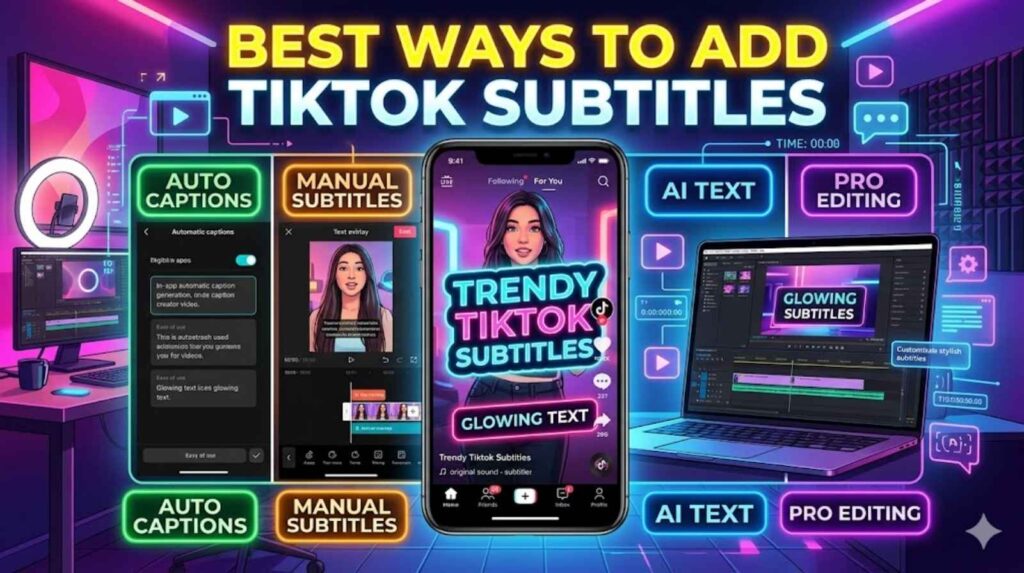
There is no single perfect method for every creator. The best captioning style depends on your content type and editing goals.
For quick uploads, TikTok editing tools work perfectly fine. They are simple, fast, and beginner-friendly. However, creators who publish professional tutorials or business content often use advanced editing software.
Educational creators usually prefer manual captions because accuracy matters. Comedy creators often use animated subtitles to make jokes land harder. Lifestyle creators may combine both automatic and manual editing.
Here is a useful comparison:
| Method | Speed | Quality | Flexibility |
|—|—|—|
| Built-in TikTok captions | Fast | Good | Medium |
| Manual text captions | Slower | Excellent | High |
| External subtitle software | Medium | Professional | Very High |
Creators searching for the best way to add captions on TikTok should choose a method that balances speed and quality.
Common Problems When Learning How to Add Captions on TikTok
Many beginners face small issues while learning how to add captions on TikTok. Fortunately, most problems are easy to fix.
One common issue involves captions disappearing unexpectedly. This usually happens because the feature was not enabled correctly inside TikTok caption settings.
Another frequent problem is inaccurate subtitles. Automatic systems struggle with loud music, background conversations, or unclear speech. Speaking slowly and clearly improves results dramatically.
Some users also experience timing issues. Captions may appear too early or too late. Learning how to sync captions on TikTok properly fixes this quickly.
If you notice captions covering important visuals, reposition the text manually. Avoid placing subtitles near buttons or visual focal points.
People searching how to fix TikTok captions not working should also check app updates. Older app versions sometimes contain caption bugs.
Best Tips for Adding Accurate Captions on TikTok
Strong captions can transform average videos into highly engaging content. Small improvements often make a huge difference.
Start by recording in quiet environments. Better audio helps TikTok speech to text systems recognise words accurately.
Speak clearly and avoid mumbling. Fast speech may confuse automatic software.
Keep captions short and readable. Large blocks of text overwhelm viewers. Most professional creators use short phrases instead of long paragraphs.
Always review captions manually before posting. Even advanced AI tools still make mistakes occasionally.
Here are some practical captioning tips:
| Tip | Result |
| Speak slowly | Better accuracy |
| Reduce background noise | Cleaner subtitles |
| Use readable fonts | Improved accessibility |
| Review captions twice | Fewer errors |
Creators who consistently create captions for TikTok professionally often develop stronger audience trust.
How to Make TikTok Videos Accessible
Accessibility is no longer optional online. Social media platforms now encourage inclusive content because it improves user experience for everyone.
Learning how to make TikTok videos accessible helps your content reach wider audiences. Many viewers rely on captions daily due to hearing difficulties or language barriers.
Closed captions on TikTok also support users watching videos silently in public spaces. This creates a better viewing experience overall.
Accessibility goes beyond captions alone. Strong contrast colours, readable fonts, and clean visuals all improve content quality.
Creators who focus on accessibility often build more loyal audiences because viewers appreciate thoughtful content design.
Advanced TikTok Caption Settings and Customisation
TikTok offers several ways to personalise subtitles. Creators can adjust text colours, font styles, placement, and timing.
Understanding how to use TikTok caption settings properly helps videos look cleaner and more professional.
Some creators use bold text for emphasis. Others add animations for entertainment. However, readability should always come first.
When you add text to TikTok videos, avoid placing subtitles too close to screen edges. TikTok interface buttons may block the text on smaller devices.
Professional creators often maintain consistent subtitle styles across all videos. This strengthens branding and improves viewer recognition.
TikTok Captions Step by Step for Beginners
Beginners often overthink the captioning process. In reality, the workflow is simple once you practise it a few times.
Follow these easy steps to add captions on TikTok:
- Record or upload your video
- Open the editing screen
- Enable TikTok auto captions
- Review generated subtitles
- Correct mistakes manually
- Adjust timing and placement
- Publish the final video
This process works well for anyone searching:
- easy steps to add captions on TikTok
- adding captions to TikTok videos
- how to add text captions on TikTok
- how to subtitle TikTok videos
Consistency matters more than perfection. The more you practise captioning, the faster the process becomes.
Frequently Asked Questions
How to Turn On Captions on TikTok?
Open the editing screen after recording your video. Tap the captions button to enable automatic subtitles.
How to Use Auto Captions on TikTok?
TikTok automatically converts speech into text using AI technology. You can review and edit subtitles before publishing.
How to Add Subtitles on TikTok?
You can use either TikTok auto captions or manual text overlays to subtitle videos.
How to Edit TikTok Captions?
Tap the generated caption text and manually correct any spelling or timing errors.
How to Add Closed Captions on TikTok?
Enable captions during editing and review subtitles carefully before posting.
What Is the Best TikTok Caption Generator?
Several third-party editing apps offer advanced subtitle generation with improved accuracy and styling tools.
Final Thoughts
Learning how to add captions on TikTok can improve your content more than many creators realise. Captions make videos easier to understand, more accessible, and far more engaging.
Whether you use automatic captions TikTok tools or prefer manual captions TikTok editing, subtitles help viewers stay connected to your content. They improve watch time, support accessibility, and make videos look more professional.
The best approach is simple. Start with TikTok auto captions, review everything carefully, and customise subtitles where needed. Over time, your workflow will become faster and more polished.
Creators who consistently use strong captions often build better audience engagement and stronger long-term growth.