
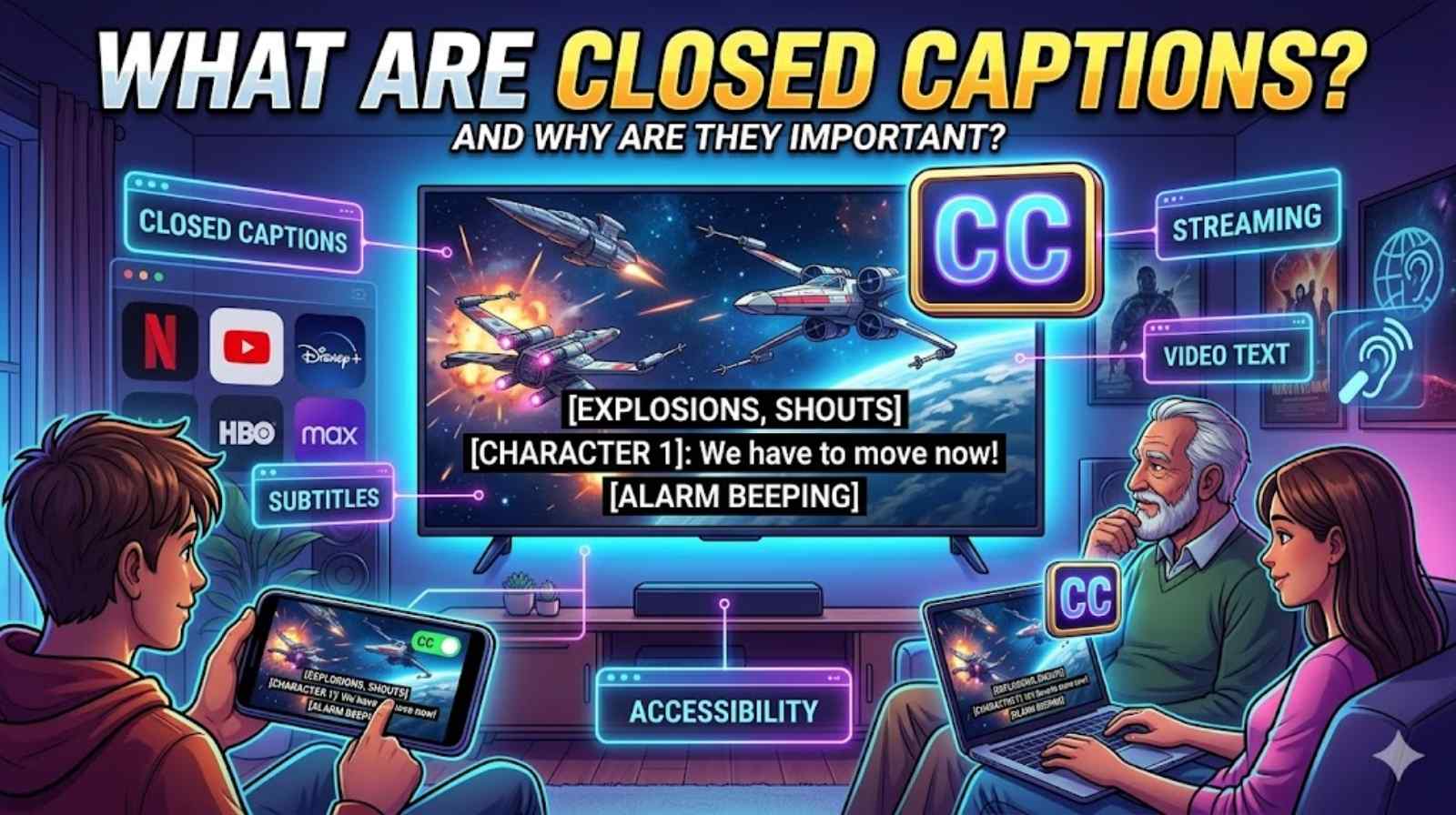
Watching videos without sound has become normal today. People watch films on trains, scroll through social media in cafés, and stream TV late at night. That is why closed captions have become such a common question. From YouTube videos to Netflix shows, captions now appear almost everywhere online.
Many people still confuse closed captioning with subtitles. However, they work differently. What are closed captions really about? They help viewers read spoken words, sound effects, and speaker details directly on the screen. These captions on TV and online videos improve understanding for millions of people every day.
The demand for video closed captions keeps growing because accessibility matters more than ever. Modern platforms now include streaming captions, smart TV captions, and advanced video accessibility features. Whether you want better focus, support for hearing loss, or easier viewing in noisy places, understanding what are closed captions can completely change how you watch videos online.
What Are Closed Captions and How Do They Work?
Understanding what are closed captions starts with knowing their basic purpose. Closed captions display spoken dialogue and audio details as readable text on a screen. Unlike standard subtitles, captions also describe sounds such as laughter, music, alarms, or background noise. This extra information makes content easier to understand for everyone, especially people with hearing difficulties.
The official closed captions definition refers to text-based versions of spoken audio that viewers can switch on or off manually. That is why they are called “closed.” The captions stay hidden until someone activates them through device settings or streaming controls. Many people call these hidden captions because they do not appear automatically.
Modern closed captioning systems work through advanced speech recognition and timing software. First, the system converts spoken words into text. Then, the captions sync with the video timeline. This process allows viewers to see accurate caption text on screen while people speak. Streaming services often combine AI software with human editors to improve accuracy.
For example, live sports broadcasts use live closed captions created in real time by stenographers or speech recognition tools. Pre-recorded films usually rely on edited captions because they provide better timing and fewer mistakes. Many platforms also use automatic captions powered by artificial intelligence. These systems have improved greatly during the past few years.
Here is a simple comparison of caption types:
| Caption Type | How It Works | Common Usage |
| Live Captions | Generated in real time | News and sports |
| Automatic Captions | AI speech recognition | YouTube and livestreams |
| Edited Captions | Human-reviewed captions | Films and TV shows |
| Open Captions | Always visible | Social media clips |
People often ask, how do closed captions work on modern devices. The answer depends on the platform. Smart TVs, streaming apps, and online players include built-in caption display options. Users can adjust font size, colour, background shading, and text placement. These custom controls improve readability and comfort.
Many experts now consider captions a vital part of digital communication. According to accessibility studies, viewers retain more information when captions appear during videos. This explains why schools, businesses, and creators increasingly depend on captioning services and media accessibility tools.
“Captions are no longer optional features. They are essential communication tools.”
What Are Closed Captions Used for on Streaming Platforms?
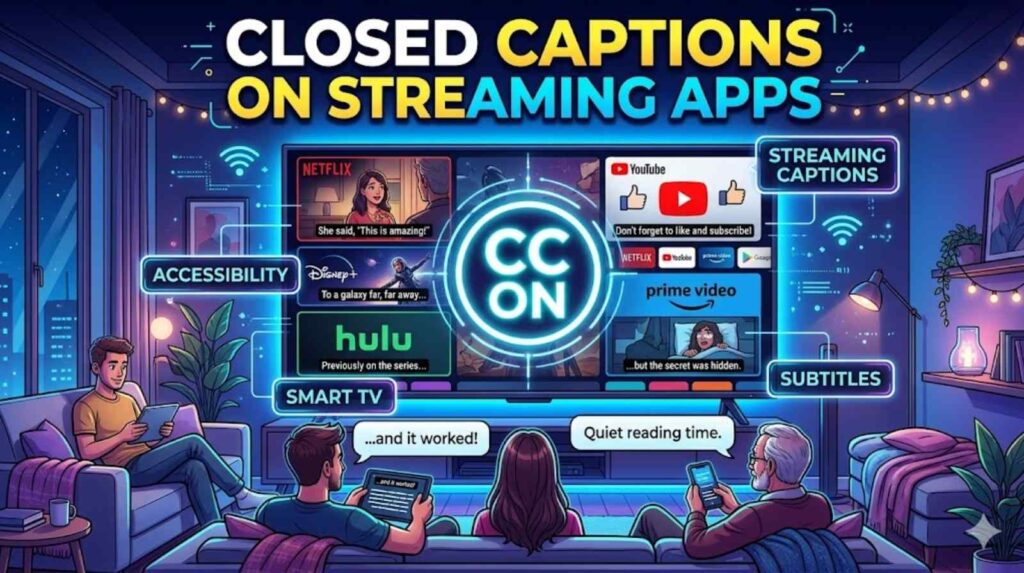
Streaming platforms changed the way people consume media. Today, viewers expect captions on streaming apps to work instantly across televisions, phones, and laptops. Services like Netflix, Hulu, Disney+, and YouTube now treat captions as standard features rather than optional extras.
One major reason behind this growth is accessibility. Millions of people rely on closed captions for accessibility every day. Others simply prefer captions while watching videos in noisy places or quiet environments. A commuter on a train may use captions because headphones are unavailable. A parent watching TV late at night may keep the volume low while reading captions instead.
The rise of short-form content also increased demand for online video captions. Social media platforms discovered that videos with captions often receive higher engagement rates. People scrolling through feeds usually watch videos silently at first. Captions immediately communicate the message.
Platforms like YouTube heavily depend on closed captions on YouTube because global audiences speak different languages and consume content in different ways. YouTube creators now optimise videos with captions to improve accessibility, audience retention, and SEO visibility.
Streaming companies also use captions to comply with accessibility laws. In the United States, the FCC closed caption rules require many broadcasters and streaming providers to offer accessible video content. Similar accessibility standards apply across the UK.
The growth of streaming captions has also improved international viewing experiences. A person in London can watch a documentary produced in New York without missing fast dialogue or regional accents. Captions bridge communication gaps surprisingly well.
Another growing trend involves closed captions on mobile devices. Mobile viewers often watch videos while travelling, exercising, or multitasking. Captions make mobile viewing easier and more practical. This convenience explains why nearly every major streaming service now includes built-in caption controls.
The future of streaming depends heavily on accessibility technology. AI-driven captioning technology continues improving accuracy, speed, and language support. Real-time translation captions may soon become standard across global streaming services.
What Are Closed Captions vs Subtitles: Key Differences Explained
People regularly confuse captions and subtitles. At first glance, they look nearly identical. However, the difference between subtitles and closed captions becomes obvious once you understand their purpose.
Subtitles mainly translate spoken dialogue into another language. They assume viewers can hear background sounds and music. Closed captions, however, include both dialogue and non-speech audio details. That makes them more accessible for viewers with hearing difficulties.
Here is an easy comparison:
| Feature | Closed Captions | Subtitles |
| Dialogue Display | Yes | Yes |
| Sound Effects | Yes | No |
| Speaker Identification | Yes | Rarely |
| Accessibility Support | Strong | Limited |
| Translation Focus | No | Yes |
This explains why many viewers ask, are closed captions the same as subtitles. Technically, they are not. Captions prioritise accessibility while subtitles mainly focus on translation.
Imagine watching a thriller film during a storm scene. Subtitles might only show spoken dialogue. Closed captions would include descriptions like “[thunder rumbling]” or “[door creaks slowly]”. These details dramatically improve understanding and atmosphere.
The debate around subtitles vs closed captions continues because streaming services often label them differently. Some apps combine both systems under one settings menu. Others separate them completely.
Businesses and educators increasingly prefer video closed captions because captions improve comprehension rates. Research from universities shows students remember information better when captions accompany educational videos. Captions also help language learners understand pronunciation and sentence structure.
Another practical advantage involves search engine optimization. Search engines cannot “watch” videos, but they can read caption files. That means properly captioned videos may rank higher in search results. This SEO benefit explains why creators invest heavily in captioning services today.
Why Are Closed Captions Important for Accessibility?
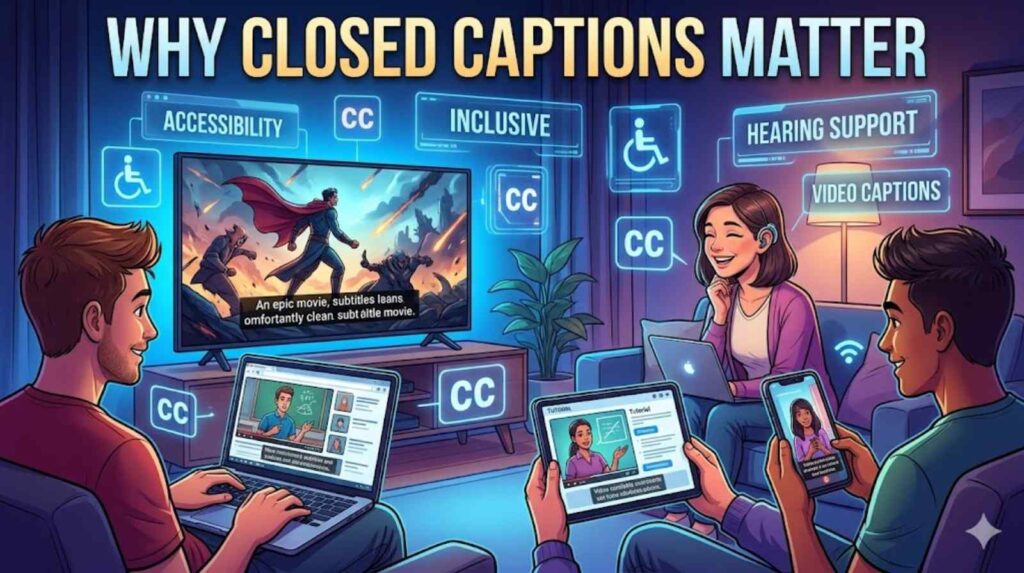
Accessibility sits at the heart of modern media. Understanding why are closed captions important begins with recognising how many people rely on them daily. Millions of viewers experience hearing loss worldwide. Captions help these individuals access entertainment, education, news, and online communication equally.
The importance of captions for hearing impaired viewers cannot be overstated. Captions transform spoken information into visual text instantly. Without them, many people would miss crucial dialogue, jokes, emotional moments, and educational content.
However, captions help far more people than many realise. Non-native English speakers use captions to improve understanding. Students rely on captions during lectures. Professionals use captions during training sessions. Even gamers use captions to follow complex storylines.
The growth of video accessibility features reflects a larger movement toward inclusive digital experiences. Companies now recognise that accessibility improves user satisfaction for everyone. Captions support people in noisy environments, quiet spaces, and situations where audio quality is poor.
Accessibility experts often describe captions as universal design tools rather than disability-only features. This broader approach changed how streaming services develop platforms and apps.
A fascinating case study emerged from social media marketing research. Videos with captions generated significantly higher engagement rates than videos without captions. Users spent more time watching captioned content because reading text increased focus and retention.
Educational institutions also depend heavily on captions. Universities use video captions for hearing loss support programmes to help students access lectures and presentations. Captions improve comprehension for students with learning difficulties as well.
Governments have strengthened accessibility requirements too. The FCC closed caption rules ensure broadcasters provide accessible television programming in the United States. Similar guidelines exist across British broadcasting standards.
“Accessibility benefits everyone, not just a small group of users.”
That simple idea explains why captions continue expanding across digital media worldwide.
How to Turn Closed Captions On or Off on Different Devices
Learning how to turn on closed captions has become easier because most devices now include simple accessibility controls. Modern televisions, smartphones, tablets, and streaming apps provide built-in caption settings.
Traditional televisions usually include a dedicated caption button on the remote control. Pressing it opens the TV captions settings menu where users can enable or disable captions quickly.
Smart TVs provide more advanced controls. Samsung, LG, Sony, and Roku devices all include adjustable smart TV captions settings. Users can customise font size, colours, and positioning for better readability.
Streaming apps follow similar steps. Netflix, YouTube, Disney+, and Prime Video place caption controls inside playback menus. These options allow viewers to activate captions on streaming apps instantly during playback.
Mobile devices also support captions exceptionally well. iPhones and Android phones include system-wide accessibility menus that manage captions across multiple apps. This makes closed captions on mobile devices highly convenient for daily use.
Here is a simple device guide:
| Device | Caption Access |
| Smart TV | Accessibility settings |
| YouTube | Video player CC button |
| Netflix | Audio and subtitles menu |
| iPhone | Accessibility settings |
| Android | Caption preferences |
| Roku | Captions mode menu |
People often search for the best caption settings for TV because readability matters enormously. Experts generally recommend medium-sized white text with a dark background. This combination reduces eye strain and improves visibility.
Modern caption display options also allow users to personalise experiences based on visual needs. Some people prefer larger fonts while others need high-contrast colours.
As accessibility technology advances, caption systems continue becoming smarter and more user-friendly.
Common Benefits of Using Closed Captions Every Day
The everyday advantages of captions surprise many people. Once viewers start using captions regularly, they often struggle to switch them off again.
One major benefit involves concentration. Captions improve focus because viewers read and listen simultaneously. This dual-input process strengthens comprehension and memory retention. Students especially benefit from this learning method.
Another important advantage concerns noisy environments. Imagine watching football highlights in a crowded airport lounge. Captions allow viewers to follow commentary even when surrounding noise becomes overwhelming.
Captions also help viewers understand accents and fast speech. British dramas, American crime shows, and international documentaries often feature regional accents that challenge some audiences. Captions solve this problem immediately.
The business world increasingly values captions too. Marketing teams discovered that captioned videos perform better across social media platforms. Captions increase watch time, viewer engagement, and content accessibility simultaneously.
The rise of AI-driven automatic closed captions explained another major trend in digital media. Artificial intelligence now generates captions faster than ever before. Although human editing still improves accuracy, AI tools dramatically reduced caption production costs.
Businesses also rely heavily on accessibility features for online videos because inclusive content reaches larger audiences. Accessibility no longer feels like an optional extra. It has become a competitive advantage.
Future innovations in captioning technology may include live multilingual translations, personalised caption styles, and AI-enhanced emotion detection. These developments could completely transform how people interact with video content online.
Captions started as accessibility tools for television. Today, they shape how the world consumes digital media.
Frequently Asked Questions
What are closed captions?
What are closed captions? They are text versions of spoken dialogue and sound effects displayed on video screens. Users can turn them on or off manually.
What do closed captions mean?
What do closed captions mean? They refer to hidden text-based accessibility features that describe speech, sounds, and speaker details during videos.
How do closed captions work?
How do closed captions work? Software or human editors convert spoken audio into timed text that appears alongside video playback.
Why are closed captions important?
Why are closed captions important? They improve accessibility, comprehension, focus, and viewing convenience for millions of people.
Are closed captions the same as subtitles?
No. Are closed captions the same as subtitles? Subtitles mainly translate dialogue while captions also include sound descriptions and accessibility information.
How to turn on closed captions?
Most devices include caption controls inside accessibility or playback settings menus.
Final Thoughts
The question of what are closed captions matters more today than ever before. Captions transformed from simple TV tools into powerful accessibility features used across streaming services, mobile apps, educational platforms, and social media.
Modern closed captioning improves accessibility, comprehension, engagement, and viewing flexibility. From digital TV captions to AI-powered automatic captions, caption systems continue evolving rapidly.
Whether you watch films on Netflix, scroll through YouTube, or join live webinars, captions make content easier to understand and more inclusive. That is why businesses, creators, educators, and streaming platforms continue investing heavily in better media accessibility tools and smarter captioning technology.
In a world filled with video content, captions quietly became one of the most valuable communication tools online.