
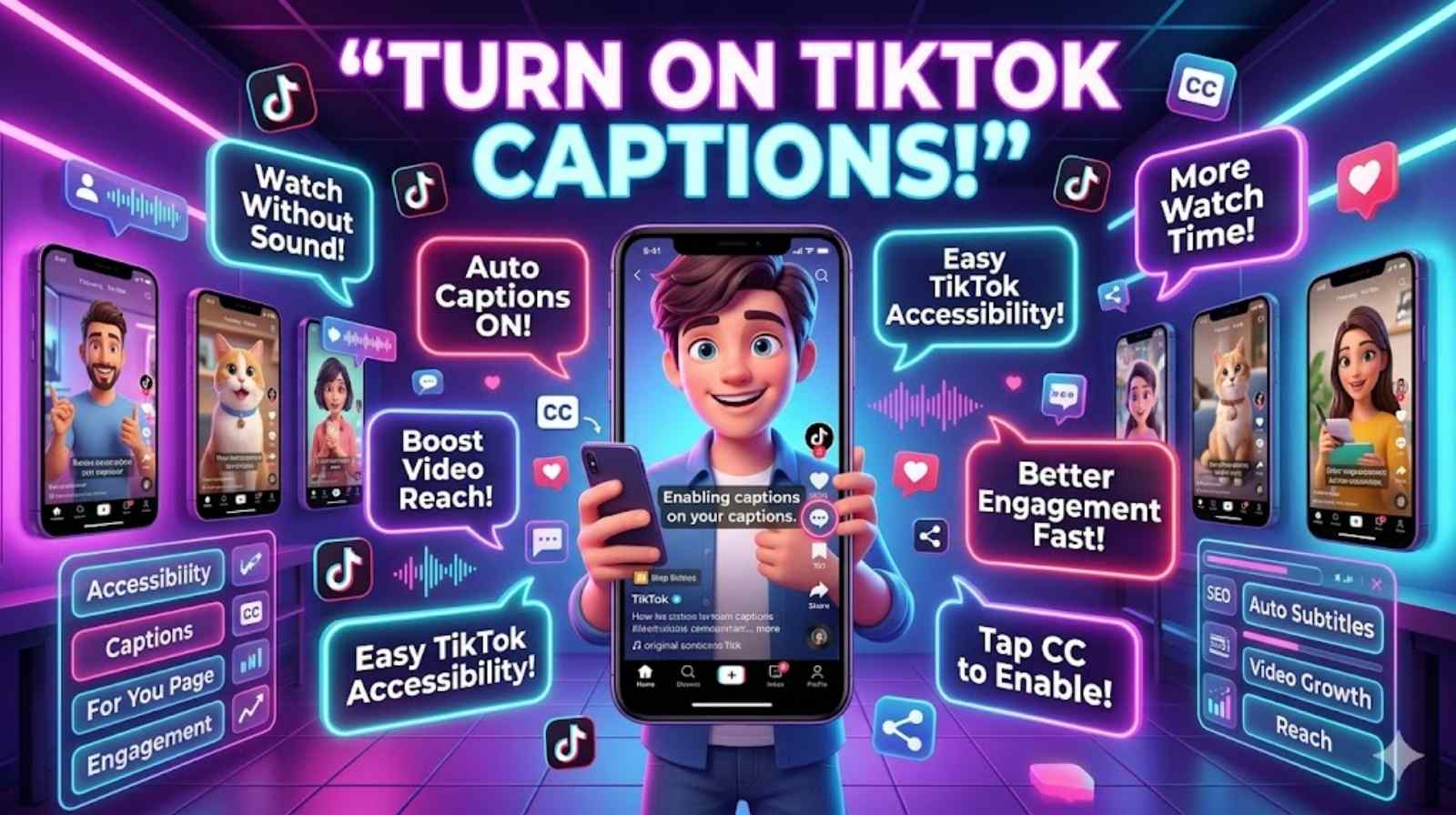
TikTok videos move fast. One second you are watching a funny clip and the next second you miss an important line because the sound was too low. That is why many users now want to learn how to turn on captions on TikTok quickly and easily. Captions make videos clearer, easier to follow, and far more enjoyable.
Many creators also use TikTok auto captions to help viewers understand videos without sound. This feature has become very popular in both the UK and the US. From public transport to busy offices, people often scroll TikTok silently. Knowing how to turn on captions on TikTok helps you enjoy every video without missing key details.
If you are struggling with TikTok captions settings, this guide will help. You will learn how to enable TikTok captions, fix common subtitle issues, manage TikTok closed captions, and improve caption accuracy. By the end, you will know the easiest way to use the full TikTok subtitle feature without trouble.
What Are TikTok Captions and How Do They Work?
TikTok captions turn spoken words into readable text on the screen. The app uses advanced TikTok speech to text technology to detect voices and create subtitles automatically. These subtitles appear while the video plays. This system helps viewers understand content even when they cannot use sound.
The platform introduced automatic captions on TikTok to improve accessibility. Millions of users watch videos in silent mode every day. Some people also rely on captions because of hearing difficulties. The feature supports better communication and makes videos easier to enjoy.
There are different kinds of captions for TikTok videos. Some creators use TikTok auto captions generated by the app. Others manually add captions on TikTok for better control. Manual captions often look cleaner because creators can correct errors before publishing.
Here is a simple comparison table:
| Caption Type | How It Works | Best For |
| TikTok auto captions | Generated automatically using AI | Fast content creation |
| Manual captions | Typed by creators | Better accuracy |
| TikTok text captions | Added as text overlays | Style and branding |
| TikTok closed captions | Accessibility-focused subtitles | Silent viewing |
Many creators now use the TikTok caption generator because it saves time. Still, editing remains important. AI can misunderstand accents, slang, or background noise.
Good captions can increase video watch time because viewers stay engaged longer.
How to Turn On Captions on TikTok Step by Step
Learning how to turn on captions on TikTok is simple once you know where to look. The process only takes a few seconds. Yet many users still struggle to find the right option inside the app.
First, open TikTok and play a video that supports subtitles. Not every video includes captions because creators must enable them during upload. When captions are available, you will usually see a small subtitle indicator on the screen.
Tap the video once to reveal menu options. Then press the share or accessibility menu depending on your device. Look for caption settings on TikTok. From there, you can easily turn on captions on TikTok.
Once enabled, subtitles will appear automatically on supported videos. This is the easiest way to show captions on TikTok without downloading extra apps.
Here is a quick step-by-step guide:
| Step | Action |
| 1 | Open TikTok |
| 2 | Play a supported video |
| 3 | Tap the screen |
| 4 | Open accessibility options |
| 5 | Enable captions |
Many people ask how to turn captions on for all TikTok videos. Unfortunately, captions only work when creators activate the feature. If subtitles do not appear, the uploader may not have enabled them.
The app also includes useful TikTok accessibility settings. These settings help viewers customise subtitle visibility and readability. Some users increase text size while others prefer different caption placements for easier reading.
Why You Should Learn How to Turn On Captions on TikTok
Understanding how to use captions on TikTok improves your viewing experience instantly. Captions make videos easier to understand in noisy places. They also help people watch silently without disturbing others nearby.
Accessibility is another major reason. The TikTok video accessibility system supports viewers who are deaf or hard of hearing. Captions allow everyone to enjoy content equally. Social media should feel inclusive, and subtitles help make that happen.
Studies from digital accessibility groups show that many users watch videos without sound. Some reports estimate that over 80% of mobile users watch social videos silently in public places. That is a huge reason why subtitles on TikTok app matter so much.
Captions also improve content performance. Videos with subtitles often keep viewers engaged longer. This means creators can increase watch time and audience retention simply by using the TikTok subtitle feature properly.
Videos with readable captions often perform better because viewers stay connected to the content.
For non-native English speakers, captions make speech easier to follow. Fast conversations, slang, and regional accents become clearer when subtitles appear on-screen.
How to Use TikTok Auto Caption Feature Correctly
The how to use TikTok auto caption feature process starts during video upload. After recording your content, TikTok gives you the option to generate captions automatically. The app scans your speech and creates subtitles within seconds.
To enable captions on TikTok, press the captions option before publishing the video. TikTok then generates text using AI voice recognition. This system works surprisingly well in quiet recording environments.
However, creators should always review captions carefully. AI tools can misunderstand names, slang, or strong accents. Many users later search how to edit TikTok captions because the automatic text contains mistakes.
A good example comes from travel creators. Many British and American vloggers use local slang during videos. Sometimes the app translates phrases incorrectly. Editing helps fix those issues before posting.
If you want to create captions on TikTok that look professional, keep these points in mind:
- Speak slowly and clearly
- Reduce background noise
- Use a quality microphone
- Check spelling before publishing
- Avoid talking over music
These small improvements dramatically increase TikTok voice captions accuracy.
How to Turn On Captions on TikTok for Uploaded Videos
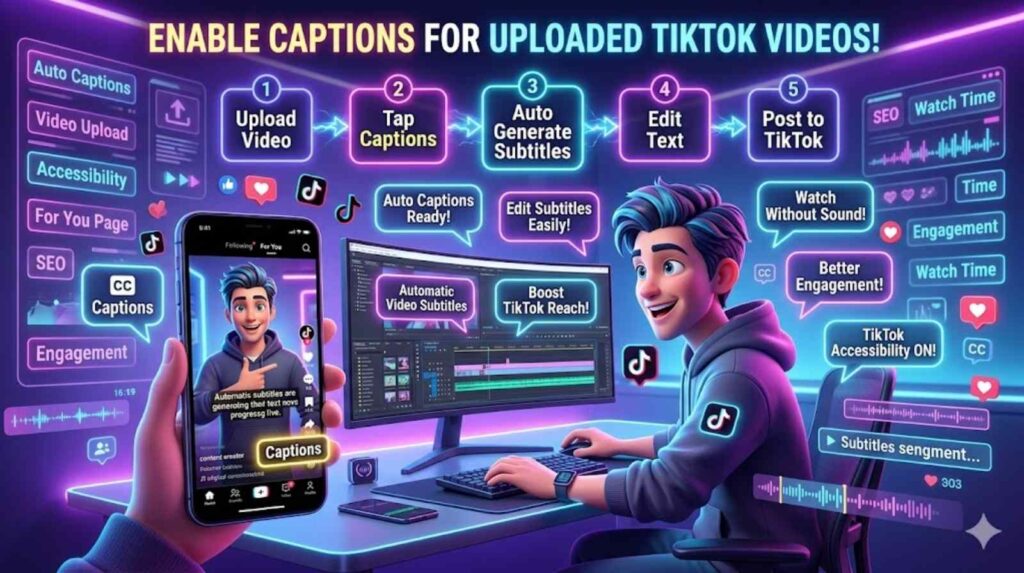
Many users wonder how to turn on captions on TikTok for uploaded videos after content is already live. TikTok allows creators to edit some video settings after posting, although options may vary by app version.
If your uploaded video does not include captions, you may need to re-upload the content with subtitles enabled. This is common when creators forget to activate the TikTok caption options during publishing.
Some creators also use external subtitle apps before uploading videos. This method gives full control over font style, placement, and timing. It also improves subtitle accuracy compared to fully automatic systems.
Here is a simple comparison:
| Method | Advantage | Disadvantage |
| Native TikTok captions | Fast and easy | Occasional AI mistakes |
| Third-party subtitle apps | Better design control | Takes more time |
Using external apps can help creators produce cleaner TikTok video subtitles. This method is especially popular among educational creators, podcasters, and tutorial channels.
Common Problems When Using Captions on TikTok
Many people search why captions are not showing on TikTok because subtitle problems happen regularly. Usually, the issue comes from unsupported videos, outdated apps, or disabled settings.
One common problem is TikTok captions not working after an app update. Sometimes TikTok changes menu layouts or accessibility features. Restarting the app often fixes the issue immediately.
Another problem involves internet connection quality. Poor loading speeds can prevent subtitles from appearing correctly. In some cases, users accidentally disable TikTok closed captions inside settings without realising it.
If you need to learn how to fix TikTok captions, try these solutions first:
| Problem | Quick Fix |
| Captions missing | Restart TikTok |
| Subtitles delayed | Update the app |
| Text incorrect | Edit captions manually |
| No caption option | Check accessibility settings |
Accent recognition also causes issues. The TikTok speech to text system occasionally struggles with regional dialects. British slang, fast speech, and background music can reduce accuracy significantly.
Clear audio always improves caption quality.
Best Tips to Make TikTok Captions More Accurate
If you want better subtitles, focus on audio quality first. Most automatic captions on TikTok errors happen because the AI cannot hear speech clearly.
Creators who use professional microphones often get far better results. Even simple improvements like recording indoors can help reduce unwanted noise.
Speaking naturally also matters. Many people rush through videos. Fast talking confuses the auto subtitle TikTok system. Slower speech creates cleaner subtitles and better readability.
Short sentences work best for mobile viewing. Long caption blocks overwhelm viewers and make videos harder to follow. This is especially important when creating educational content.
Here are the best ways to improve TikTok caption feature explained accuracy:
- Speak clearly
- Avoid loud music
- Edit captions before publishing
- Use simple wording
- Record in quiet places
Many successful creators treat captions as part of their branding strategy. Well-written subtitles improve professionalism and increase accessibility at the same time.
How to Edit and Manage Captions on TikTok Easily
Learning how to change captions on TikTok helps creators produce cleaner videos. TikTok allows users to edit generated captions before publishing. This feature is extremely useful because automatic subtitles are not always perfect.
To edit TikTok captions, open the subtitle section after generation. Tap any sentence and correct mistakes manually. This process only takes a few minutes yet dramatically improves readability.
Some creators also customise TikTok text captions for branding. They adjust timing, sentence length, and wording to match their content style.
If captions become distracting, users can also learn how to turn off captions on TikTok. Simply open the accessibility menu and disable subtitle display.
Managing subtitles properly improves the overall viewing experience. Clean captions help audiences stay engaged longer and reduce confusion during fast-paced videos.
How to Add Subtitles on TikTok Manually
Some creators prefer manual subtitles because they offer more control. Knowing how to add subtitles on TikTok manually helps improve quality significantly.
Manual captions work well for tutorials, interviews, and educational content. They allow creators to correct grammar, improve timing, and add emphasis where needed.
Unlike fully automatic systems, manual captions rarely contain major mistakes. This makes them useful for brands and professional creators.
Creators usually type captions scene by scene. Although this takes longer, the final result looks polished and highly readable.
TikTok Caption Feature Explained for Beginners
The TikTok caption feature explained process is simple. TikTok listens to spoken words and converts them into readable subtitles using AI technology.
This feature supports accessibility, silent viewing, and audience retention. It also improves video performance because viewers stay engaged longer.
Many users ask can you enable captions on TikTok for every video. The answer depends on the creator. If the uploader activates captions, viewers can usually enable them easily.
The feature continues improving every year as AI speech recognition becomes smarter.
Best Caption Settings for TikTok Videos
Good subtitle formatting improves readability instantly. Creators should avoid placing captions too close to the bottom edge because TikTok menus may block text.
Font size also matters. Small captions frustrate mobile viewers. Larger text improves accessibility and keeps viewers engaged.
Timing should feel natural too. Captions must appear at the same pace as speech. Delayed subtitles confuse viewers and reduce watch time.
Creators who optimise their best caption settings for TikTok often produce videos that feel smoother and more professional.
Frequently Asked Questions
How do I turn on captions on TikTok?
Open a supported video, tap the screen, access subtitle settings, and enable captions.
How do I get captions on TikTok videos?
You can activate subtitles through the accessibility menu if the creator enabled captions.
Why are TikTok captions not working?
The app may need updating, or the creator may not support captions on that video.
How do I improve TikTok caption accuracy?
Use clear audio, speak slowly, and edit captions before publishing.
How do I show subtitles on TikTok?
Enable subtitles inside the video settings or accessibility controls.
Conclusion
Learning how to turn on captions on TikTok makes video watching easier, clearer, and more accessible. Whether you use TikTok auto captions, manual subtitles, or advanced TikTok accessibility settings, captions improve the experience for both viewers and creators.
From better engagement to silent viewing support, captions now play a major role in modern content creation. They help people understand videos quickly and make social media more inclusive for everyone.
If you want stronger content performance, better accessibility, and happier viewers, start using captions for TikTok videos properly today. Small subtitle improvements can make a huge difference over time.